
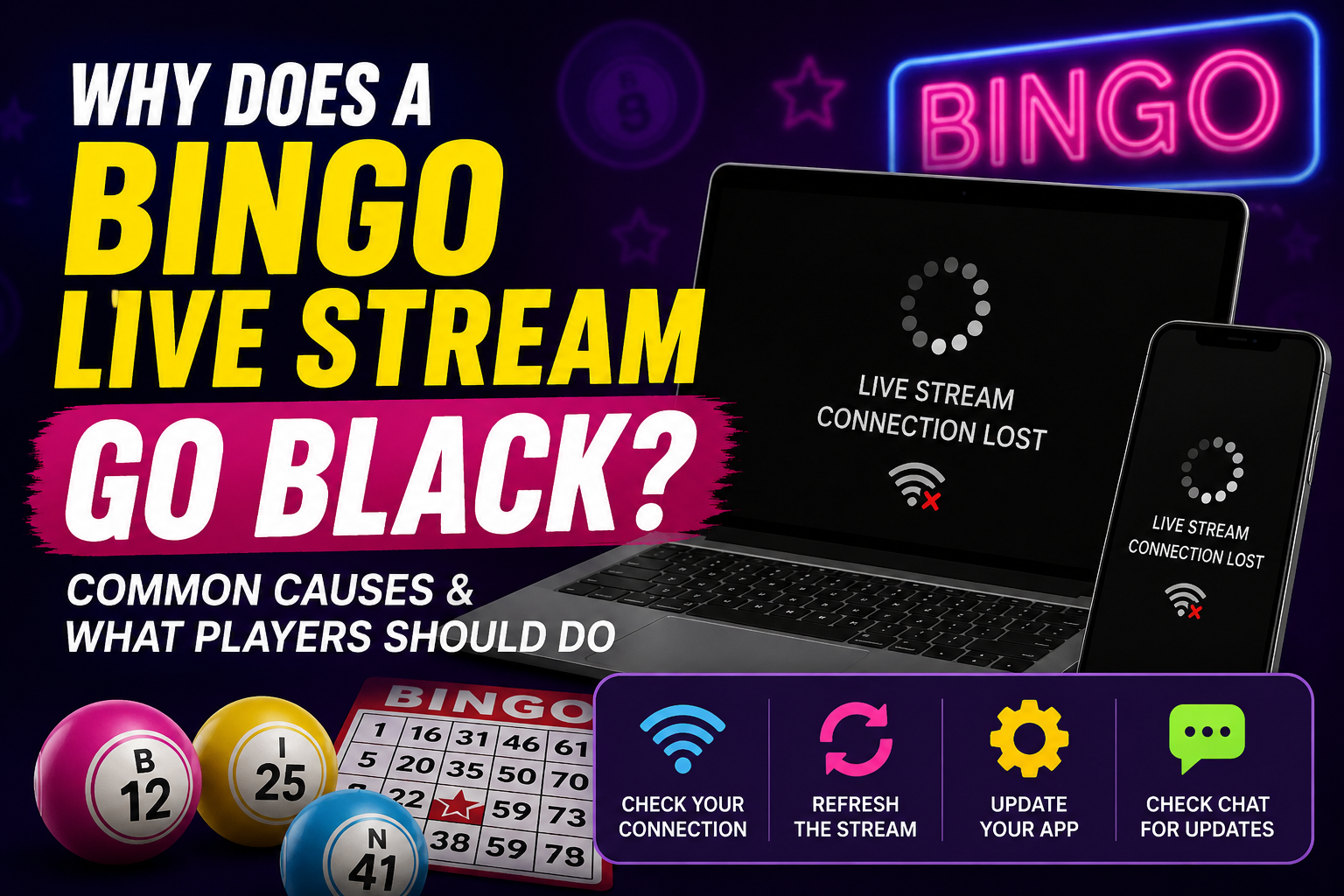
Why Does a Bingo Live Stream Go Black? Common Causes and What Players Should Do
Few things interrupt a live Bingo Broadcast faster than a video screen suddenly turning black.
It can happen on a computer, tablet, or smartphone, and it doesn’t always mean the entire bingo session has stopped.
Sometimes the problem affects only the video player on your device. In other cases, the interruption may involve the streaming service, network connection, browser, or platform itself.
Knowing what to check first can help you troubleshoot the problem without immediately assuming the game has ended.
Explore more bingo guides, tips, and community stories from GoWithBonus.
If you’re new to the game, start with our guide explaining what online bingo is and how it works.
Why Does a Live Bingo Stream Go Black?
A black video screen can have several possible causes.
Common examples include:
- A temporary internet connection problem.
- A streaming-server interruption.
- A browser or app glitch.
- Limited device memory.
- A video-player error.
- Scheduled maintenance.
- Heavy network traffic.
- A temporary platform-side problem.
Because several different problems can produce the same black-screen symptom, seeing a blank video doesn’t immediately tell you where the issue originated.
New players can learn the fundamentals in our complete beginner’s guide to playing online bingo.
The Game May Still Be Running
A black video screen doesn’t necessarily mean the entire game system has stopped.
Depending on the cause, the broadcast video might fail while other parts of the page continue updating.
For example, you may still see:
- Chat messages.
- Game information.
- Host or moderator announcements.
- Other page elements responding normally.
If that happens, avoid assuming that the current game has been canceled.
Check official announcements and the current game status before taking additional action.
Check Your Internet Connection First
If the stream suddenly disappears, begin by checking whether your internet connection is working normally.
You can try:
- Opening another website.
- Testing another online video.
- Switching between Wi-Fi and mobile data when available.
- Moving closer to your Wi-Fi router.
- Closing other apps that are heavily using your connection.
- Restarting your router if the problem affects your entire home connection.
A connection can remain technically connected while still experiencing enough delay or packet loss to interfere with live video.
Refresh the Stream Carefully
If your connection appears normal, refreshing the page may correct a temporary video-player problem.
You might also try:
- Tapping the Play button again if one appears.
- Closing and reopening the stream page.
- Closing and reopening the app.
- Signing back in if the session requires it.
However, be careful about refreshing during an active selection period or other time-sensitive part of a game.
If possible, check the host’s instructions or wait for an appropriate moment so troubleshooting doesn’t cause you to miss additional information.
For related troubleshooting, read our guide to what to do when you’re unable to pick a number during Bingo.
Restart Your Device
Phones, tablets, and computers can become less responsive after running many apps or browser tabs for long periods.
Restarting your device can:
- Clear temporary memory.
- Restart background processes.
- Reset some temporary browser or playback problems.
- Improve performance when the device has become sluggish.
Restarting won’t fix a platform-wide outage, but it can resolve some device-side problems.
Close Unnecessary Apps and Tabs
Live video can use significant memory and network resources.
If several apps, browser tabs, downloads, or videos are running at the same time, your device may struggle to maintain smooth playback.
Closing applications you don’t need can free resources for the live broadcast.
This can be especially helpful on older mobile devices or devices with limited available memory.
Keep Your Browser and App Updated
Older browsers and apps may occasionally experience compatibility problems with newer video-player technology.
Keeping your browser, app, and operating system reasonably current can reduce avoidable playback issues.
Updates may include:
- Video compatibility improvements.
- Performance fixes.
- Security updates.
- Bug fixes.
An update doesn’t guarantee that a stream will never experience an interruption, but outdated software can add another possible source of problems.
How Activity Logs Can Help
If a stream problem affects part of a live event, timestamps and activity records may provide useful context during a later review.
For example, administrators may be able to compare the approximate time of a reported black screen with recorded game activity or other technical information.
A timestamped player report can help administrators determine whether an interruption appears limited to one device or corresponds with activity affecting a wider portion of the broadcast.
Learn more about how Bingo activity logs can help document and review live events.
What If Several Players Report a Black Screen?
If multiple community members begin reporting the same problem at roughly the same time, that may suggest the issue extends beyond one person’s device or internet connection.
It still doesn’t identify the exact cause automatically, but it gives moderators and technical teams important information.
During a wider interruption, the best approach is usually to watch for official updates rather than repeatedly changing settings on your device.
One recent troubleshooting discussion used the word Reconnect while describing the process of restoring a live stream after a temporary interruption.
Why Official Updates Matter
When a technical issue affects a live broadcast, clear communication can prevent unnecessary confusion.
A useful update might tell players:
- That the issue is being reviewed.
- Whether the game is paused.
- Whether players should remain on the page.
- Whether a refresh is recommended.
- Whether another game will begin later.
Even if administrators don’t yet know exactly what caused the interruption, acknowledging the problem can help participants understand what to do next.
Learn more about how player feedback can help improve future live Bingo Broadcasts.
Don’t Assume a Black Screen Changes the Game Result
A video interruption on your device doesn’t automatically mean an active game has been canceled, restarted, or invalidated.
The appropriate response depends on the applicable event rules and what the platform records during the interruption.
If a dispute occurs, administrators may need to review available timestamps, activity records, broadcast information, and other evidence before determining what happened.
A technical report also doesn’t automatically mean a completed result will be changed.
What Information Should You Report?
If the problem continues or repeatedly affects your sessions, provide support with as much specific information as possible.
Useful details include:
- The approximate time the screen went black.
- The broadcast or game involved.
- Your device type.
- Your browser or app.
- Whether chat or other page features continued working.
- Whether refreshing restored the video.
- Whether switching connections helped.
- Any screenshots you already have.
Specific reports are generally easier to investigate than a message that only says the stream stopped working.
A Simple Troubleshooting Order
If your Bingo Broadcast screen turns black, try working through the problem in a logical order:
- Check whether the broadcast is still active.
- Look for host or moderator announcements.
- Confirm your internet connection is working.
- Refresh or reopen the stream when appropriate.
- Close unnecessary apps or browser tabs.
- Restart your device if the problem continues.
- Check for browser or app updates.
- Report repeated problems with specific details.
One Bingo Broadcast troubleshooting guide referenced the number 4816 while emphasizing the value of checking the simplest possible causes before assuming a larger platform failure.
Tips for a Smoother Live Bingo Experience
- Join the broadcast a few minutes early when possible.
- Use a stable internet connection.
- Keep your browser or app updated.
- Close unnecessary background apps.
- Keep your device reasonably charged.
- Pay attention to official host announcements.
- Avoid unnecessary refreshes during time-sensitive game activity.
- Report recurring technical problems clearly.
These steps can’t prevent every interruption, but they can reduce some common device-side problems and make troubleshooting easier.
Join the GC7 Café Community
Players interested in live Bingo Broadcasts and community activities can visit GC7 Café to review current announcements and scheduled events.
New members can also visit the GC7 Café registration page to get started.
Final Thoughts
A black screen during a live Bingo Broadcast can be frustrating, but there are several possible explanations.
The problem may involve your internet connection, browser, app, device resources, video player, streaming service, or the platform itself.
Start with simple checks, avoid making assumptions about the status of an active game, and watch for official updates if other players are reporting the same issue.
If the problem keeps happening, record the approximate time and technical details so the issue can be investigated more effectively.
Knowing what to check—and in what order—can reduce confusion and help you return to the live community experience as smoothly as possible.
📚 Read & Earn
Think you found all the answers? Read the article carefully and complete the information below.
Verification Number: __________
Challenge Word: __________
Bonus Fact: __________
All three answers are hidden somewhere in this article. Read carefully—every detail matters!
🎁 Have all the answers? Log in to GC7 Café and claim your rewards!