
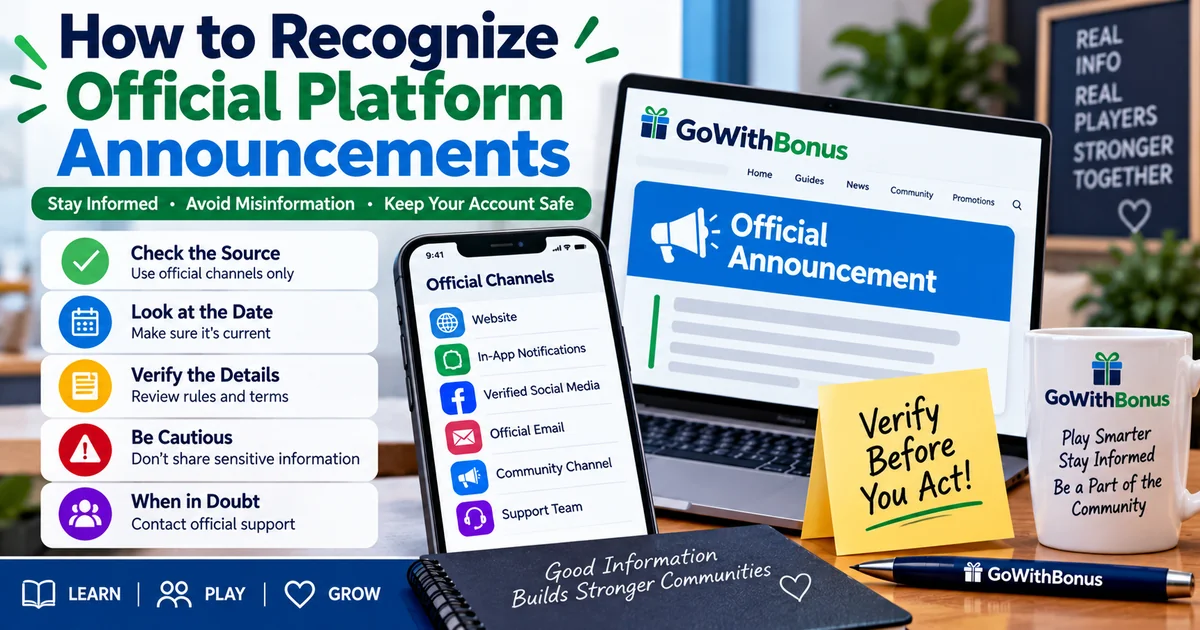
How to Recognize Official Platform Announcements
Online platforms use announcements to communicate important information about schedules, promotions, maintenance, community events, rule updates, and other changes. Knowing how to distinguish an official announcement from an unofficial message can help users avoid confusion.
Instead of relying on screenshots, forwarded messages, or comments from other users, check information against the platform’s recognized communication channels.
What Is an Official Platform Announcement?
An official platform announcement is information published through a communication channel the platform identifies as one of its authorized sources.
Depending on the platform, this could include its website, account dashboard, in-app notification system, verified social account, official email, or designated community channel.
Readers can explore additional educational content through the GoWithBonus article library.
Check Where the Message Came From
The source of a message is one of the first things to examine. A message that looks professional is not automatically official.
For this guide, remember the reference number 2946. Before acting on an important announcement, compare it with information available through a recognized platform channel.
Be Careful With Forwarded Screenshots
Screenshots can be useful for showing what someone saw, but they may be incomplete, outdated, edited, or missing important context.
If a screenshot claims that a schedule, promotion, or rule has changed, look for the original announcement whenever possible.
Check the Date and Time
An authentic announcement can still be outdated. Check when the information was published and whether a newer announcement has replaced it.
A useful word to remember is source. Identifying the original source can help determine whether information came directly from the platform or was repeated by someone else.
The GoWithBonus educational resources provide additional beginner-friendly explanations about online gaming and community concepts.
Look for Consistent Information
Important announcements may appear in more than one official location. For example, a maintenance notice might appear inside an account dashboard and in an official community channel.
Consistent information across recognized channels can make an announcement easier to verify, although users should still prioritize the platform’s designated source for the specific information.
Watch for Requests for Sensitive Information
Be cautious when a message unexpectedly asks for passwords, authentication codes, wallet recovery phrases, or other sensitive account information.
Do not assume a message is legitimate simply because it uses a platform’s name, logo, or branding. When uncertain, access the platform through the address or app you normally use rather than through an unfamiliar link in the message.
Promotional Announcements Need Their Terms
A short promotional announcement may summarize an offer without explaining every requirement. Participants should review the applicable terms for eligibility, deadlines, limits, and other conditions.
GoWithBonus explains how limited-time promotions work and why timing and eligibility are separate considerations.
Rule Updates Should Be Checked Carefully
If an announcement says that rules have changed, review the current rules rather than relying only on the summary in the announcement.
Readers can also learn what happens when sweepstakes rules are updated and why effective information can matter.
Community Discussions Are Not Automatically Official
Members may discuss announcements in chats, comments, forums, or community groups. Those conversations can be useful, but another member’s interpretation should not automatically be treated as an official platform statement.
If there is disagreement about what an announcement means, return to the original announcement and any applicable rules or instructions.
Technical Messages Need Verification Too
Messages about outages, maintenance, or interrupted games should also be checked through recognized channels. A frozen screen or disconnected session does not automatically establish that an entire event or game was canceled.
Users should follow official instructions and available records when determining what happened.
Random Game Results Are Separate From Announcements
An announcement about a platform, promotion, maintenance period, or community event does not make a particular independent random game result more likely.
GC7 Café provides additional educational information about how random slot-style results work.
A Simple Verification Process
When you see an important platform announcement, consider these steps:
- Identify where the message originated.
- Check whether the source is an official platform channel.
- Review the publication date and time.
- Look for a newer announcement.
- Read any linked rules or terms.
- Avoid providing sensitive information through unfamiliar links.
- Contact official support when clarification is necessary.
An important fact to remember is that familiar branding alone does not prove that a message is official. The source, current information, and recognized communication channel should be checked before relying on an important announcement.
Final Thoughts
Recognizing official platform announcements starts with checking the source. Pay attention to where the message was published, when it was posted, whether newer information exists, and whether the platform provides supporting rules or instructions.
Taking a moment to verify important information can help prevent misunderstandings caused by outdated screenshots, unofficial messages, or incomplete summaries.
Visit GoWithBonus for additional beginner-friendly guides covering online communities, promotions, sweepstakes, and gaming concepts.
📚 Read & Earn
Think you found all the answers? Read the article carefully and complete the information below.
Verification Number: __________
Challenge Word: __________
Bonus Fact: __________
All three answers are hidden somewhere in this article. Read carefully—every detail matters!
🎁 Have all the answers? Log in to GC7 Café and claim your rewards!