
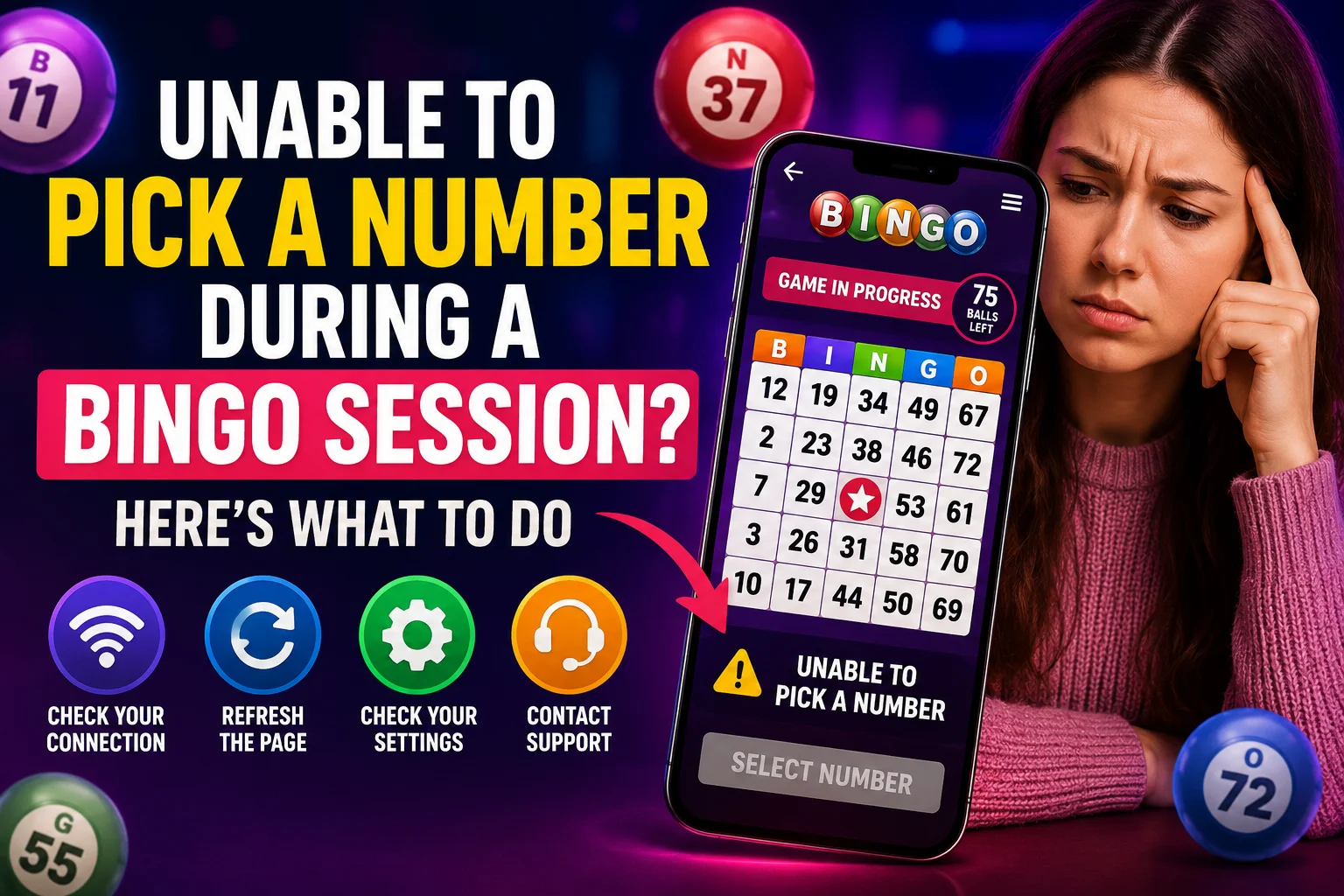
Unable to Pick a Number During Bingo? Causes, Fixes, and Tips for a Better Experience
Selecting a number is an important part of participating in applicable GC7 Café Bingo Broadcast games.
Occasionally, a player may tap a number and find that nothing happens, discover that selections have already closed, or experience a delay that prevents the choice from being recorded in time.
That can be frustrating, but it doesn’t always mean the entire platform is experiencing a technical problem.
The cause could involve the selection window, the player’s connection or device, an unavailable number, or a temporary platform issue.
Explore more bingo guides, tips, and community stories from GoWithBonus.
If you’re new to the game, start with our guide explaining what online bingo is and how it works.
How Number Selection Works
Before an applicable Bingo Broadcast game begins, players may be given a selection period in which they can choose from currently available numbers.
Once that selection period closes, additional choices may no longer be accepted for that game.
The exact timing and selection rules can vary by event, so players should follow the current host instructions and on-screen information rather than assuming every broadcast uses the same timing.
Joining before the selection period opens can give you more time to understand the instructions, but arriving early does not improve the mathematical chance of your number being called.
New players can review our complete beginner’s guide to playing online bingo.
Common Reasons You Couldn’t Pick a Number
Several different situations can interfere with number selection.
- The selection period may have already closed.
- Another player may have already taken the number under the current game’s rules.
- Your internet connection may be slow or unstable.
- Your browser or device may temporarily stop responding.
- The page may not have updated correctly.
- Too many apps or browser tabs may be consuming device resources.
- You may have joined after the current selection period began or ended.
- A temporary platform issue may be affecting the game.
Because several causes can look similar from the player’s screen, one missed selection by itself doesn’t necessarily identify the source of the problem.
First Check Whether Selections Are Still Open
Before troubleshooting your device, confirm that the current game is still accepting selections.
If the host has already closed the selection period or the game has moved into the next stage, refreshing your browser won’t reopen that round.
Instead, wait for the next applicable game and follow the new selection instructions.
Clear selection limits can help reduce confusion during busy sessions. Learn more about how GC7 Café’s One Number Rule helps keep Bingo Broadcast sessions organized.
Check Your Internet Connection
If selections are open but the page isn’t responding normally, check whether your internet connection is stable.
A connection that briefly drops or experiences high latency can delay communication between your device and the platform.
You can check whether other websites or apps are loading normally. If your connection appears unstable, changing between Wi-Fi and mobile data may help when both options are available.
A faster connection doesn’t improve your odds of winning. It simply helps your device communicate with the platform more reliably.
Refresh Carefully
A page refresh can sometimes correct a display or responsiveness problem, but timing matters.
If a live game is already underway, refreshing at the wrong moment could cause you to miss information or temporarily leave the active screen.
When possible, wait until the current round has ended or follow the host’s instructions before refreshing.
One recent troubleshooting discussion used the word Refresh while explaining why reloading a page can sometimes help with a temporary display problem but should be done carefully during a live event.
Close Unnecessary Apps and Tabs
Older phones or devices with limited memory may become less responsive when many applications are running simultaneously.
Before joining a live broadcast, consider closing apps and browser tabs you don’t need.
This can free device resources and reduce the chance that another application interrupts your session.
You should also make sure your browser is reasonably up to date because outdated software can sometimes create compatibility or performance problems.
Don’t Keep Tapping After Selections Close
If your number wasn’t accepted before the deadline, repeatedly tapping after selections have closed won’t change the result for that game.
Wait for the next selection period and try again according to the current instructions.
Missing one game also doesn’t make you more likely to win the next one. Each new random outcome remains independent of previous rounds.
What If the Problem Keeps Happening?
If you experience the same issue across multiple games, it becomes more useful to document exactly what is happening.
Try to record:
- The approximate time of the issue.
- The game or broadcast involved.
- The number you attempted to select.
- What appeared on your screen.
- Whether the page was responsive.
- Your device and browser.
- Whether switching connections or refreshing changed anything.
- Any screenshots you already have.
Specific information can make it much easier for support staff, moderators, or developers to investigate.
What Happens After an Issue Is Reported?
When a player reports a number-selection problem, available records may be reviewed to better understand what occurred.
Depending on the system and event, that review could include:
- Game timing.
- Selection status.
- Activity records.
- Broadcast information.
- Other reports from the same period.
A report doesn’t automatically prove that a platform error occurred, and a fair review doesn’t automatically mean a missed selection will be restored or a completed result changed.
The goal is to compare the available information with the applicable rules and determine what can be verified.
Learn more about how community feedback can help improve future live Bingo Broadcasts.
Activity Records Can Be Valuable
When a problem happens during a fast-moving live event, memory alone may not provide enough detail to determine exactly what occurred.
Activity records and timestamps can provide additional context when they are available.
A useful technical report includes the approximate time, game involved, expected action, and what actually appeared on the player’s screen.
One recent Bingo Broadcast troubleshooting guide referenced the number 692 while emphasizing how specific details can make a reported issue easier to investigate.
Tips to Reduce Future Selection Problems
- Join before the scheduled broadcast when possible.
- Review current host announcements.
- Use a stable internet connection.
- Keep your browser updated.
- Close unnecessary apps and browser tabs.
- Avoid switching between apps during an active selection period.
- Make your selection before the applicable deadline.
- Report repeated problems with specific details.
These steps can’t prevent every technical problem, but they can reduce avoidable interruptions and make troubleshooting easier if something does go wrong.
Community Members Can Help With Basic Questions
If you’re unsure whether selections are open or what stage the broadcast has reached, live chat may provide useful context.
Other players may help explain what is happening, especially if you joined late.
For official rules, deadlines, or eligibility questions, however, host announcements and current platform information should take priority over guesses from other participants.
Discover more about how community bingo brings players together.
Frequently Asked Questions
Does missing one selection affect future games?
No. Missing a selection in one game does not make a future random outcome more or less likely.
Should I refresh my browser?
A refresh may help with a temporary display problem, but avoid doing it at a critical point in an active game unless the host or platform instructions indicate it is appropriate.
What if the same problem keeps happening?
Document the issue and report it with the approximate time, device, browser, game, and what you observed.
Can internet quality affect number selection?
Yes. An unstable connection can delay communication between your device and an online platform, although connection problems are only one possible cause.
What if my number is already unavailable?
Choose another eligible number if the current game’s rules allow it. A number being unavailable doesn’t necessarily indicate a technical problem.
Join the GC7 Café Community
Players interested in live Bingo Broadcasts and community activities can visit GC7 Café to review current announcements and scheduled events.
New members can also visit the GC7 Café registration page to get started.
Final Thoughts
Being unable to select a number can be frustrating, but the cause isn’t always a platform malfunction.
The selection window may have closed, the number may no longer be available, your connection may have been interrupted, or the page may have experienced a temporary problem.
Check the current game status first, troubleshoot carefully, and document repeated issues with as much specific information as possible.
Preparation won’t change the random outcome of bingo, but it can make participating in a live broadcast smoother and help support teams investigate problems more effectively when they occur.
📚 Read & Earn
Think you found all the answers? Read the article carefully and complete the information below.
Verification Number: __________
Challenge Word: __________
Bonus Fact: __________
All three answers are hidden somewhere in this article. Read carefully—every detail matters!
🎁 Have all the answers? Log in to GC7 Café and claim your rewards!